The Lexen platform
One platform from lesson creation to classroom delivery.
Create, edit, teach, and assess — without changing tools. Paste a YouTube or TikTok link, or drop in a podcast, and teach from it.
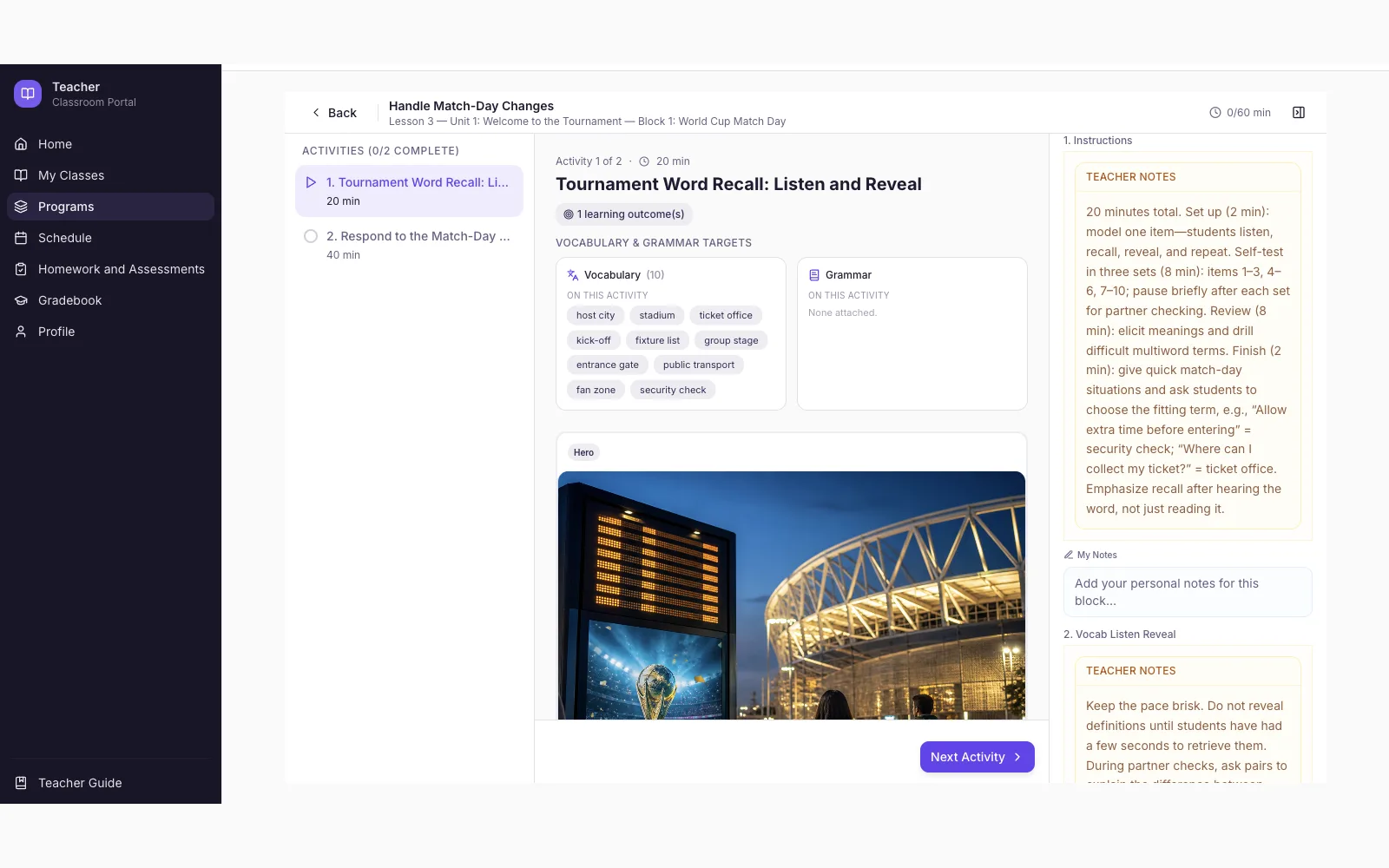
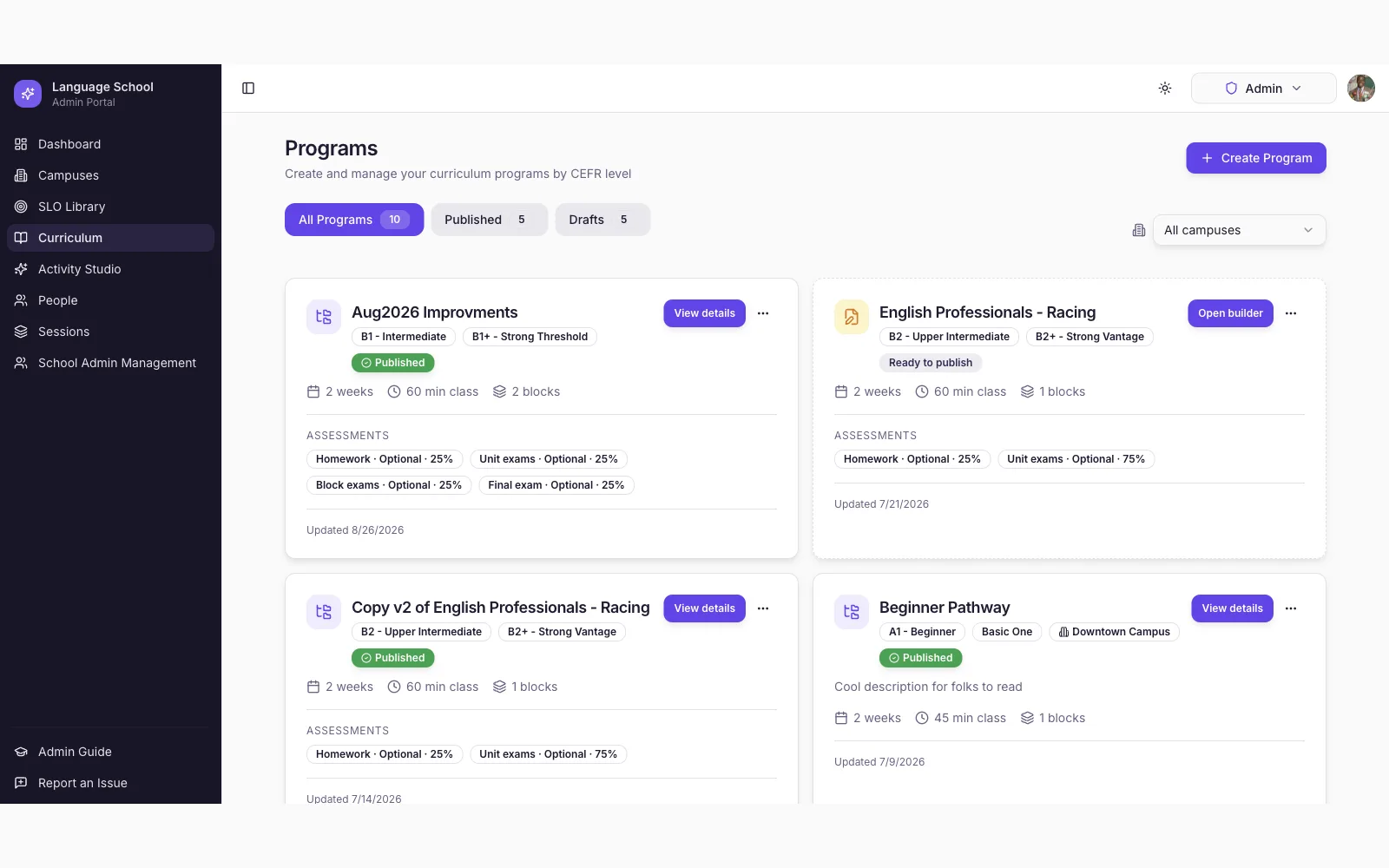
Curriculum organization
Your whole curriculum, in a structure teachers can navigate.
Programs contain blocks. Blocks contain units. Units contain lessons. Lessons are made of activities — with vocabulary, grammar, and CEFR-aligned objectives at every level.
Campuses run sessions. Sessions hold the classes that teach your programs.
Program
A full course of study, aligned to CEFR levels
Block
A module within the program
Unit
A theme with vocabulary, grammar, and objectives
Lesson
What a teacher delivers in a single class
Activities
- Vocabulary practice
- Fill in the blank
- Discussion questions
- Role play
- Listening
- Writing task
Real language. In the lesson.
YouTube, TikTok, and podcasts — in the same lesson.
YouTube
Paste a link. It embeds in the lesson — ready to teach from.
TikTok
Short-form video students already watch, turned into language practice.
Podcasts
Drop in a clip. Build listening around real speech.
YouTube
“Street food tour in São Paulo”
- Key vocabulary
- Listening comprehension
- Native-speaker expressions
- Discussion questions
TikTok
“What does a day in Miami cost?”
- Numbers and prices
- Comparison language
- Speaking discussion
- Follow-up assessment
Podcast
“A morning commute interview”
- Listening for gist
- Opinion language
- Discussion questions
- Short writing prompt
Examples are illustrative.
- 1
Bring a clip
Paste a YouTube or TikTok link, or drop in a podcast clip.
- 2
Build the lesson
AI drafts vocabulary, comprehension, discussion, writing, and assessments around it.
- 3
Make it yours
Review and edit everything before class.
- 4
Teach it
The clip lives in the same Lexen lesson students already use.
AI-assisted creation
Start from what you already have. Generate the rest.
- Lesson and unit drafts from your curriculum
- YouTube, TikTok, and podcast clips embedded in the lesson
- Activities: vocabulary, fill-in-the-blank, role play, discussion, writing
- Supporting images, listening audio, and pronunciations
- Regenerate one piece at a time
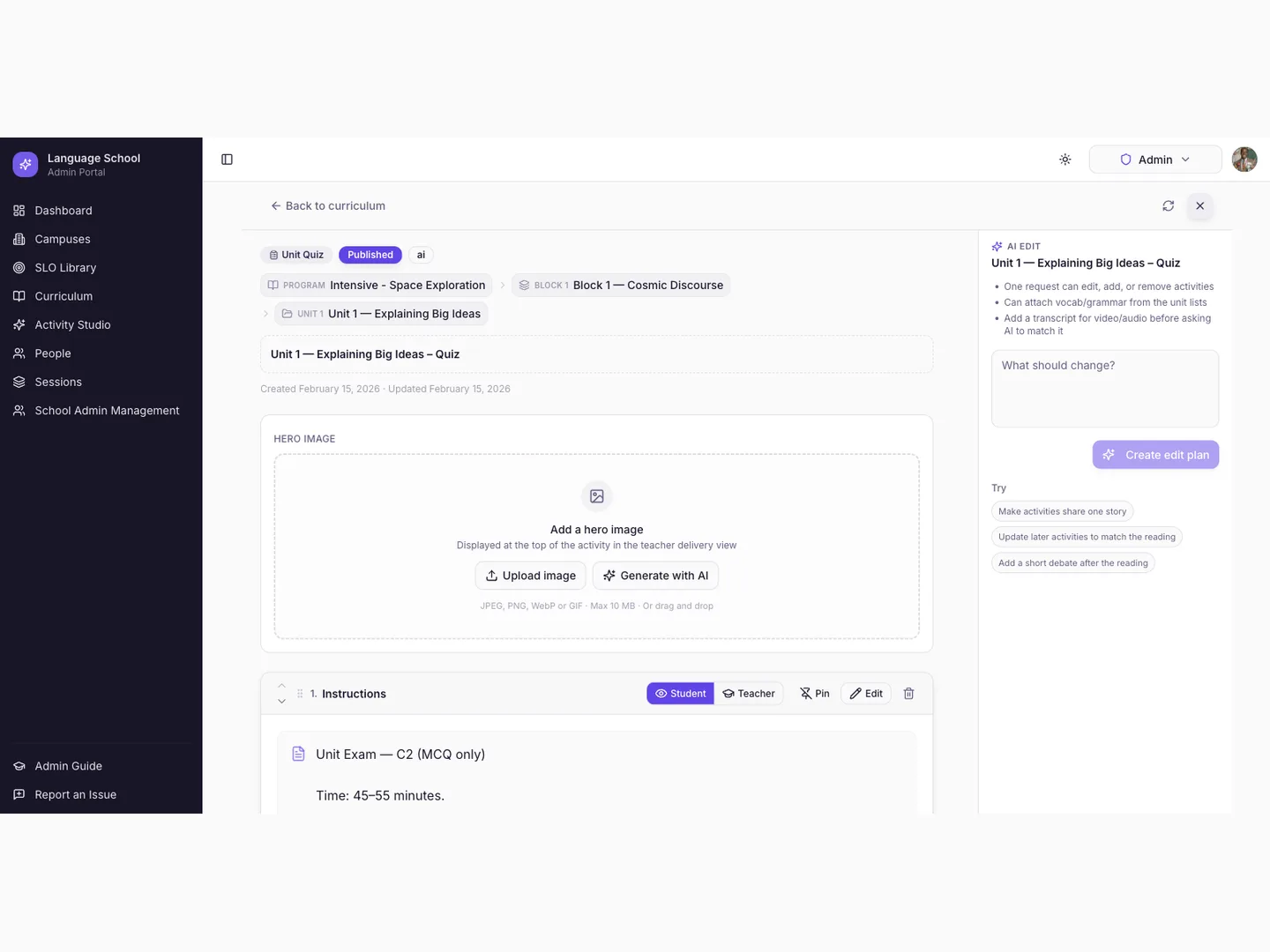
Lesson & activity editor
Generated content is a draft. Teachers make it final.
- Edit any generated text, activity, or assessment
- Add, remove, and reorder activities
- Regenerate a piece with new instructions
- Lock shared curriculum so class edits don't drift
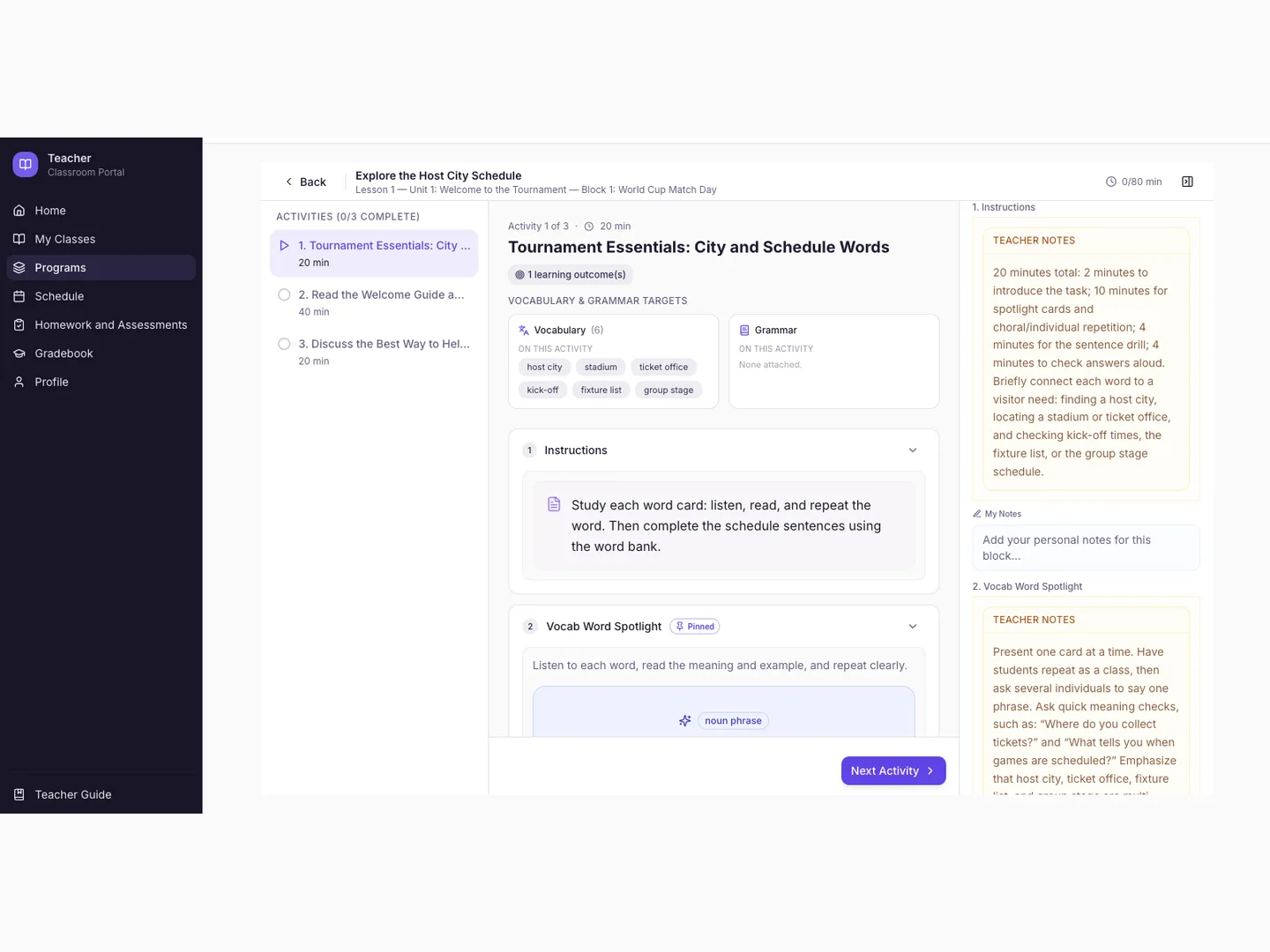
Classroom delivery
Teach the lesson from one screen.
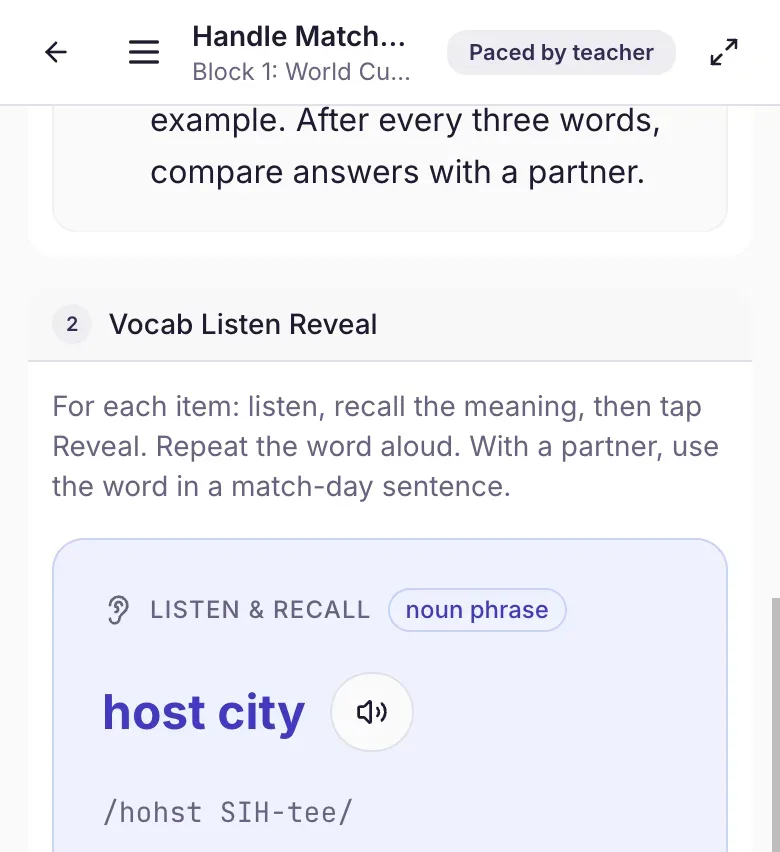
Student experience
Students join from the devices they already have.
- Live participation, synced to the teacher
- Vocabulary, listening, writing, discussion, and more
- Homework and assessments in one place
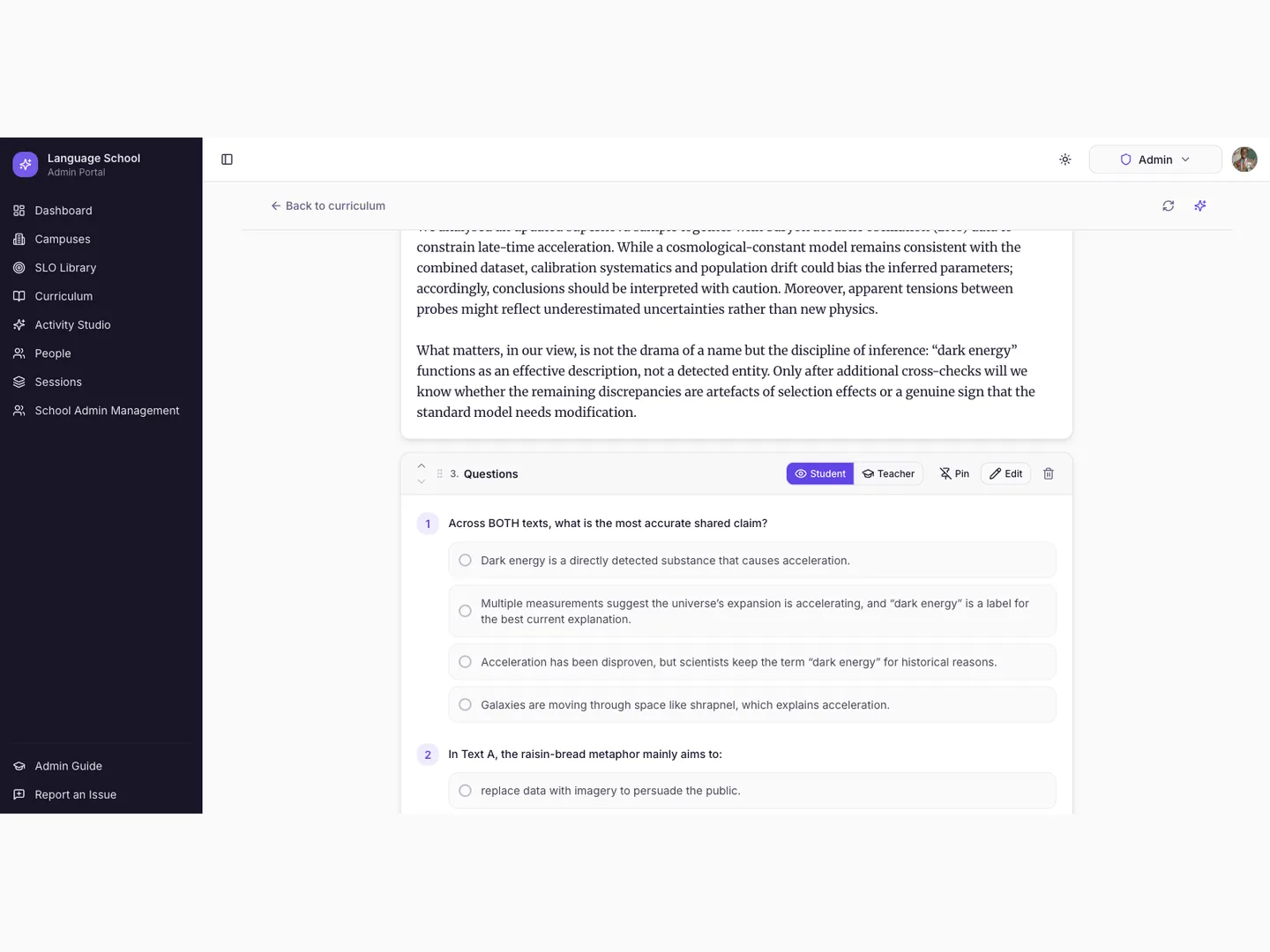
Assessments
Assessment built from what was actually taught.
- Homework, unit quizzes, block exams, and finals
- AI-drafted questions, edited by teachers
- Delivered and graded in one place
School administration
Run the school from the same platform.
- Manage campuses, sessions, and classes
- Enroll teachers and students, including CSV import
- Maintain CEFR-aligned learning objectives
- Control who can edit shared curriculum
Why it's different
Why AI belongs inside the teaching workflow
It knows your curriculum
Generation runs inside your programs, units, and lessons — not a blank chat box.
It targets the right level
Lessons and activities match CEFR-aligned objectives for the class.
Output is ready to use
Drafts arrive as editable activities — not a wall of text to reformat.
Teachers review everything
Nothing is used in class until a teacher has reviewed and edited it.
It connects to delivery
The same platform that creates the lesson delivers it — and assesses it after.
See it with your curriculum
Try it with a lesson from your own program.
See how Lexen fits your curriculum →Bring Lexen into your classrooms.
Hands-on pilots with a small number of language schools.
- Configured around your curriculum
- Onboarding for your academic team and teachers
- We iterate from what happens in class
Request a demo
Tell us about your school. We'll get in touch.